How Slide Score anonymizes whole slide images
Whether to protect privacy or to avoid biasing the pathologists, Slide Score has the tools to help you manage your whole slide images.
Whole slide images often contain additional information about samples beyond the image itself. They can contain slide label images with barcodes, QR codes or sample identifiers and structured text metadata. Without proper controls, this information can unintentionally reveal sample identity or relationships between slides.
Anonymization during upload and download
There are several options when to remove slide label images and metadata from whole slide images in Slide Score:
Client-side anonymization before upload: slides can be anonymized on your computer before they are uploaded and sent over the network so that none of the identifying information leaves your system using the Uploader configurations.
Hiding label images for viewers: if you upload non-anonymized slides you can choose to hide the label image from viewers in Study Settings.
On-the-fly anonymization for downloads: when granting users API access to download slides, you can choose to only allow anonymous downloads and slides are anonymized on-the-fly at download time.
None of this requires creating copies of the slides that would consume extra storage.
Anonymizing slide names for raters
Even more useful are the options to hide slide names from raters and shuffle them. Users without the Edit right on a study can be prevented from reading the original specimen identifiers.
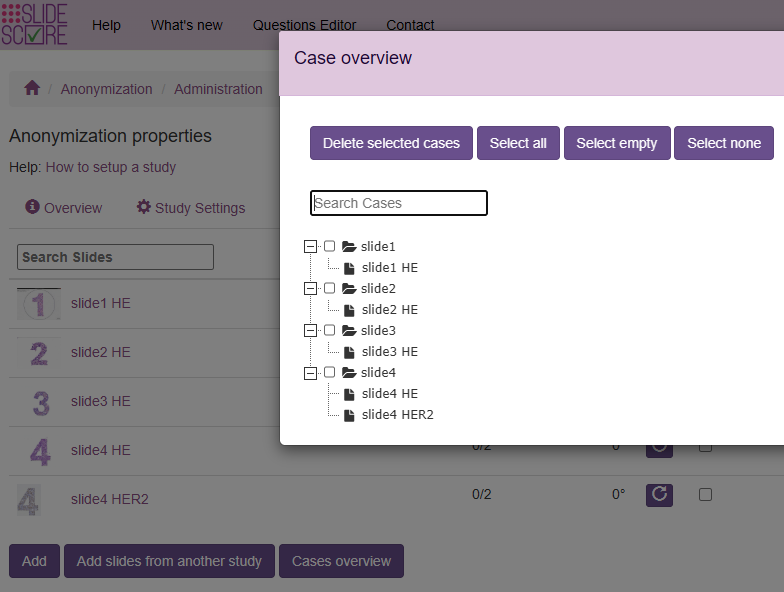
Consider this example study with 5 slides arranged in 4 cases as seen in the case overview. Each case contains one HE slide except case 4 which contains HE and simulated HER2 immunohistochemistry staining:
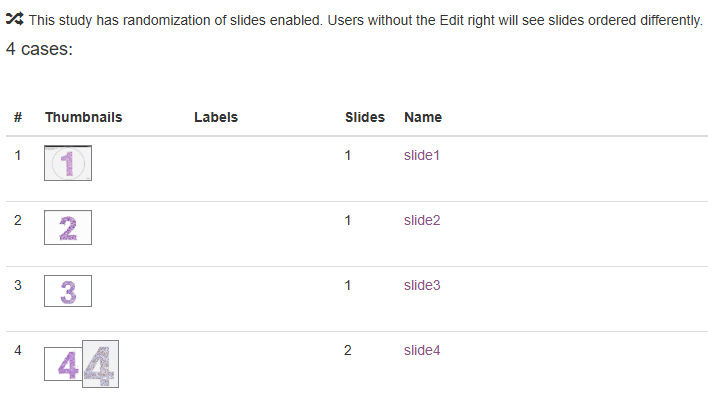
Here is a list of the study settings. We will look at what effect they have on what slide names raters see:

The users with the Edit right always see the full name of the slides. A notice indicates that raters may see different ordering and slide names:
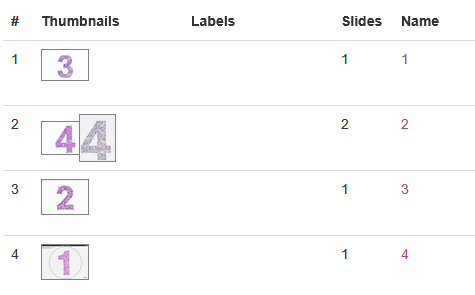
When we enable "Replace case names with anonymous ordinal numbers unique for each rater and viewer, but keep slide names in place" raters will see case names replaced with ordinal numbers and a different order of cases for each rater:
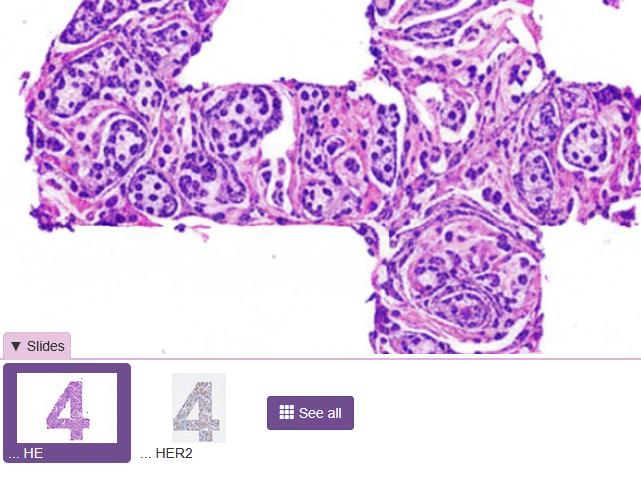
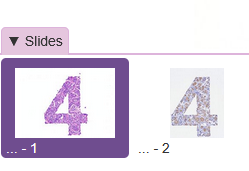
When they open a case with multiple slides they can still see the staining of each slide (i.e the unique part of slide name with the case name removed):
With "Replace slide names with anonymous ordinal numbers for raters and viewers" the order of slides stays the same but case names get replaced with ordinal numbers:
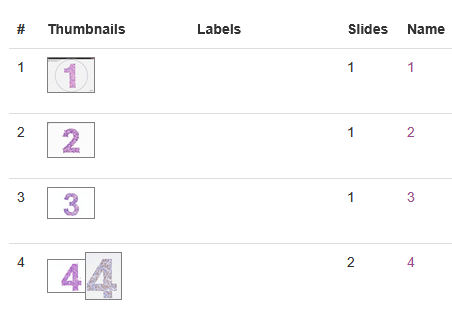
When opening the case we can see that the slide names get completely replaced and the "... HE" and "... HER2" is no longer visible:
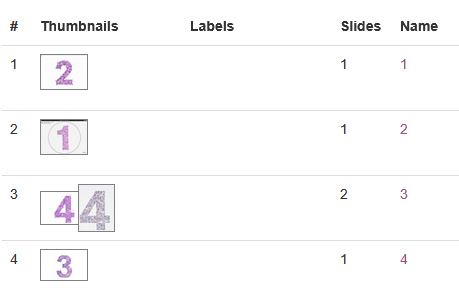
Enabling "... with a randomized unique order of slides for each rater and viewer" on top of that shuffles cases differently for each viewer:
By combining these settings, you can configure studies that allow pathologists to view whole slide images anonymously, while minimizing bias from naming conventions or slide ordering—all without duplicating data or increasing storage requirements.s

